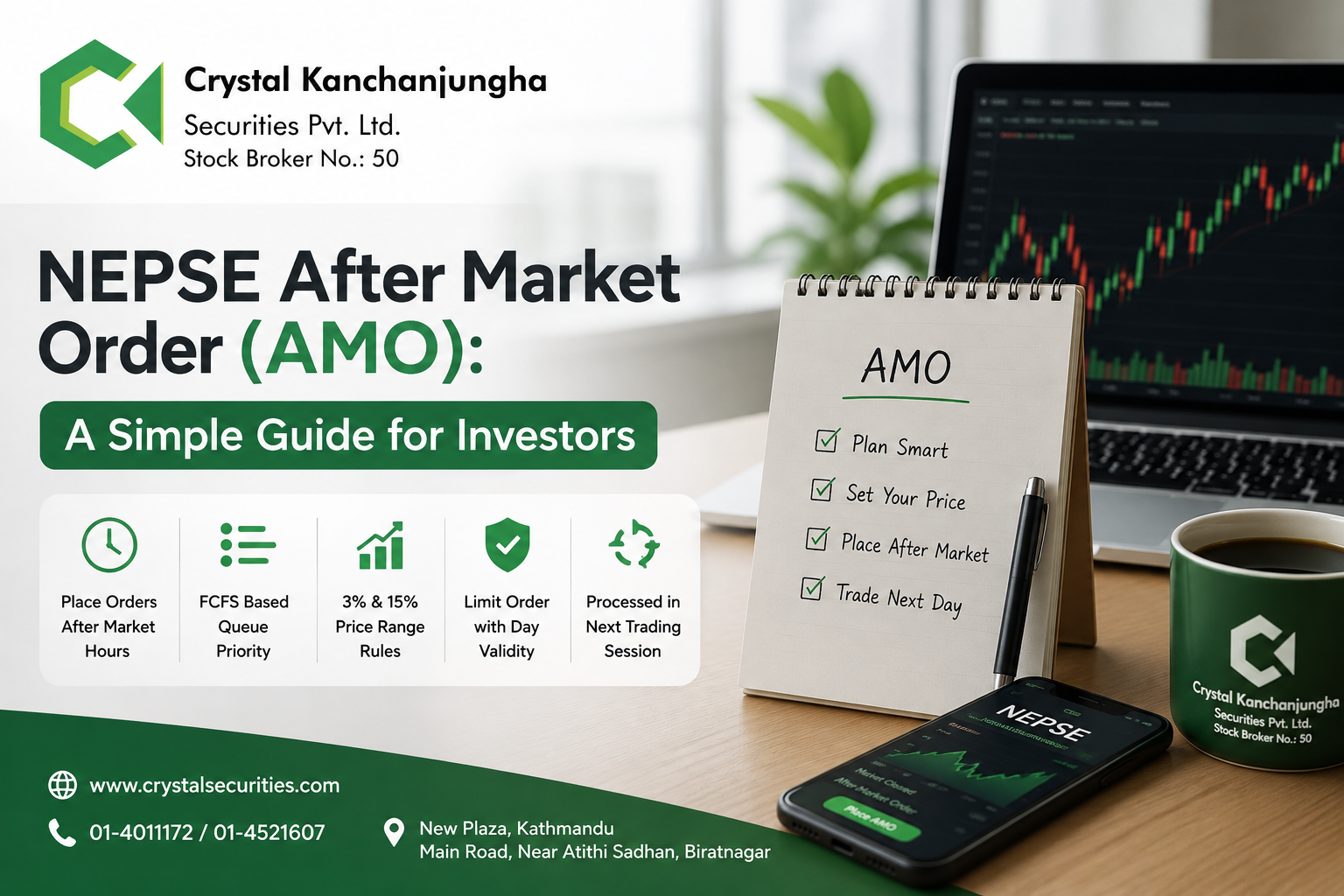
Want to place a share order after the market closes?
After Market Order (AMO) allows clients to place buy or sell orders outside normal market hours. The order is stored in the system and automatically submitted to the exchange when the required market conditions are met.
How to Place an AMO ?
Placing an AMO is simple:
1. Log in
Log in to your trading platform using your client credentials and go to Order Management → Buy/Sell.
2. Select a Security
Search and select the stock you want to trade.
3. Enter Order Details
Enter:
- Buy or Sell
- Quantity
- Limit Price
4. Submit
Review your details and click Submit. If all validations are successful, your AMO will be saved.
Important AMO Rules
- Limit Orders only — Market Orders are not allowed.
- Day validity only — AMO supports only DAY validity.
- Up to ±15% — You can place an AMO within ±15% of the previous day’s closing price.
- Pre-Open: Orders within ±3% of the previous closing price are automatically submitted.
- Continuous Trading: Remaining orders are submitted when their price comes within ±3% of the LTP.
- No guaranteed execution — Orders that are not triggered by the end of Continuous Trading are automatically cancelled.
Can You Modify or Cancel an AMO?
Yes, but only before it is triggered.
You can:
- View pending AMO orders
- Modify the price or quantity
- Cancel a pending AMO
Once the order is triggered and sent to the exchange, it cannot be modified or cancelled through the AMO screen.
What Happens to Your AMO?
After Market → Pending AMO → Market Conditions Met → Triggered → Sent to Exchange → Normal Order Execution
For buy orders, the system also checks sufficient collateral before triggering. For sell orders, it checks sufficient DP holdings.
AMO vs Normal Order
| AMO | Normal Order |
| Placed outside normal market hours | Placed during market hours |
| Stored until conditions are met | Sent for normal market execution |
| Limit Order only | Applicable order types |
| DAY validity only | Depends on order type |
| Can be modified/cancelled before triggering | Follows normal order rules |
Before You Place an AMO
Quickly check:
- ✅ Correct stock
- ✅ Buy/Sell
- ✅ Quantity
- ✅ Limit price
- ✅ DAY validity
- ✅ Available funds or securities
Why Use AMO?
AMO is useful when you:
- Cannot monitor the market during trading hours
- Want to place your order in advance
- Want to set your preferred limit price
- Want the system to handle the order when the required conditions are met
Trade With Crystal Kanchanjungha Securities
Crystal Kanchanjungha Securities Pvt. Ltd. — Stock Broker No. 50
Use AMO to plan your trades conveniently outside normal market hours.
Remember: AMO provides flexibility, but the order is executed only when the required conditions are met.
Check your Order Book after market opening to see the final status of your AMO.